
|
User Guide | Index |
Round-Robin Table
Match Memo Settings
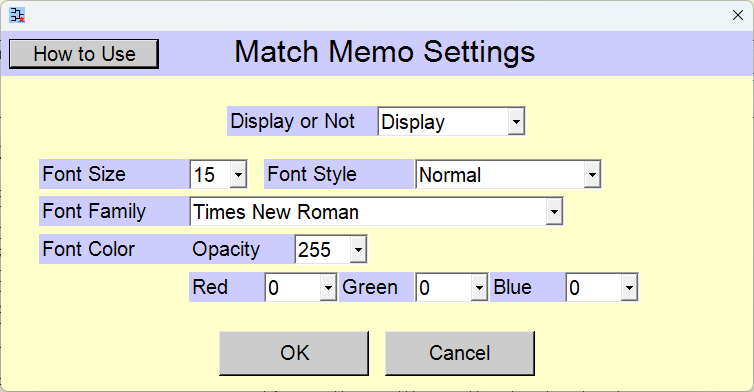
You can input a one-line memo for each match. The match memo for that match will be hidden once the match result (win/loss or score) has been entered. You can change settings of match memos.
 >
>
Change the settings and click the [OK] button.
Pressing the [Cancel] button reverts the settings to their state prior to the changes.
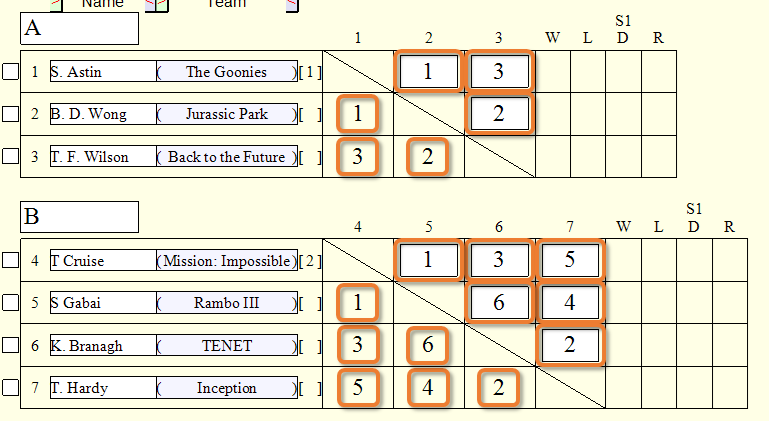
If the settings are configured to display match memos, the input fields will appear on the round-robin table in the [Tournament Preparation] scene. If you select the option to automatically assign match numbers in the [Round-Robin Table Creation] scene, the match numbers are pre-filled.
Selection of Whether or Not to Display
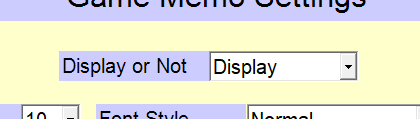
[Display or Not] selection field
Select whether or not to display match memos.
[Not Display]
The match memos are not displayed on the round-robin table.
[Display]
Top Settings Index