|
User Guide | Index |
Round-Robin Table
Output Preview
Output preview of the round-robin tables is displayed.
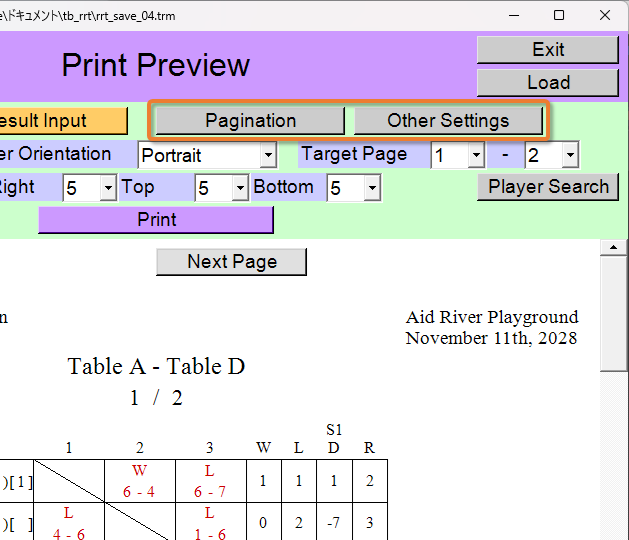
You can also change settings such as pagination and font size while viewing the output preview.
[Contents for This Page]
Print (or Create PDF File)
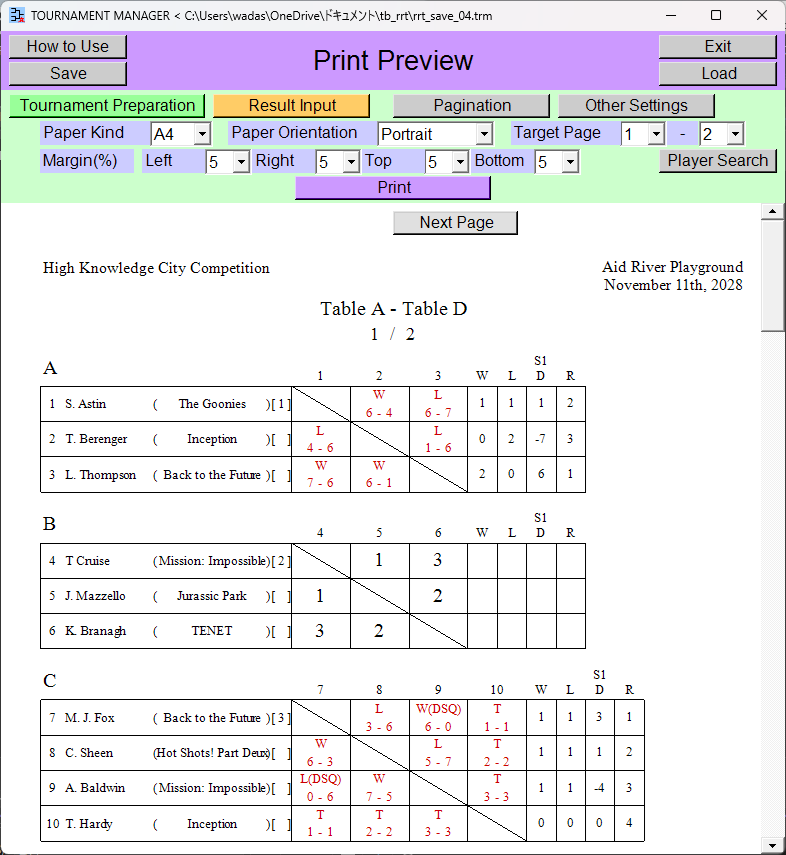
When printing, the background color will be white.
You can specify the paper kind, paper orientation, margin size, and pages to print.
When you press the [Print] button, the printing process begins. If you select printer [Microsoft Print to PDF] during the printing process, you can create a PDF file.
Create PNG (Image) File
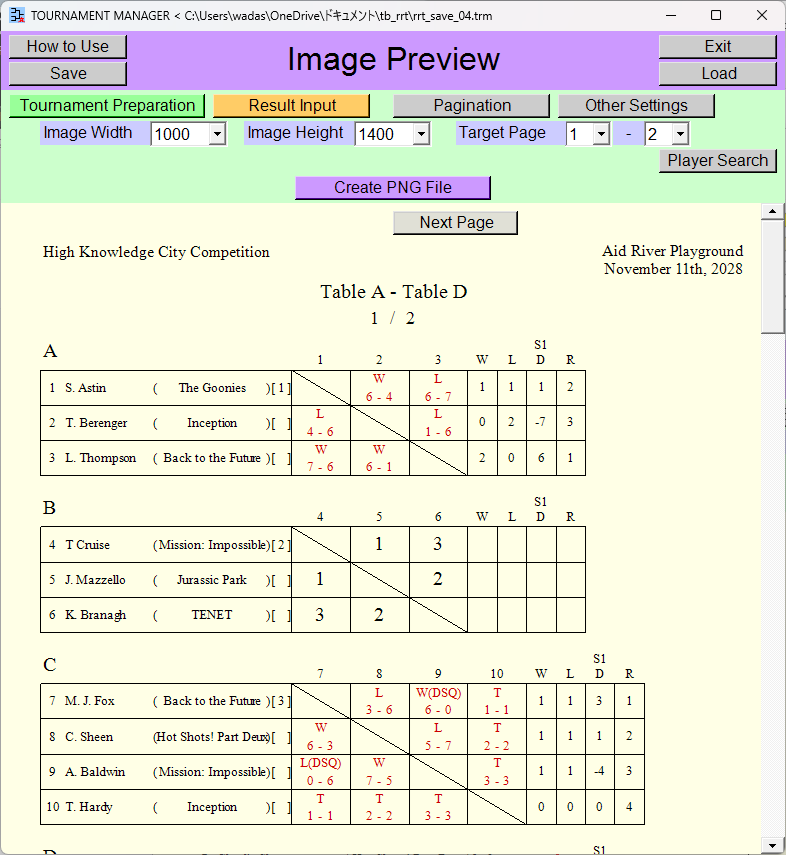
The background color can also be made semi-transparent.
You can specify the image width, image height, and pages to create PNG file.
When you press the [Create PNG File] button, the PNG file creation process begins. Specify the location and name of the PNG file to be made.
Create Excel File
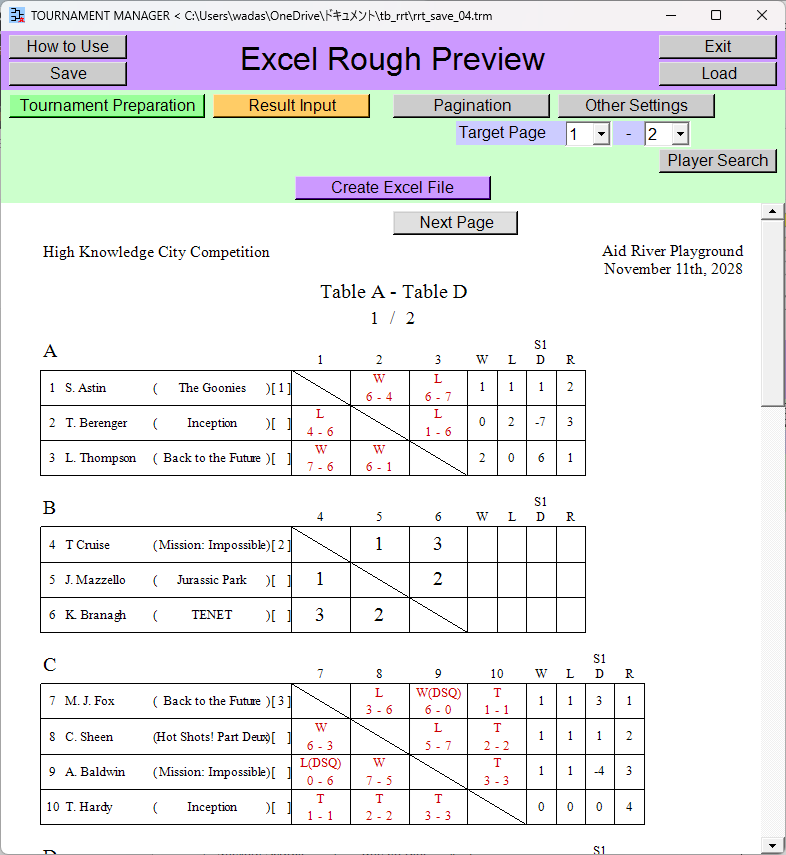
In practice, the round-robin table is drawn to align with the Excel cells, so what appears on the screen is merely a rough preview.
You can specify the pages to create Excel file.
When you press the [Create Excel File] button, the Excel file creation process begins. Specify the location and name of the Excel file to be made.
Moving to Another Scene
[Tournament Preparation] button
![[Tournament Preparation] button](rrt_output_preview_51.png)
You will go back to the [Tournament Preparation] scene.
[Result Input] button
![[Result Input] button](rrt_output_preview_52.png)
You will go back to the [Result Input] scene.
Top Index