
|
User Guide | Index |
Tournament Bracket
Match Details Settings
If you wish to input the details for each match on a separate window, that is also possible. Player names are displayed automatically and can be outputted (print [or create PDF file], create PNG [image] file, create Excel file), so it would also work well as a score sheet.
*If you select printer [Microsoft Print to PDF] during the printing process, you can create a PDF file.
You can change format type of match details.
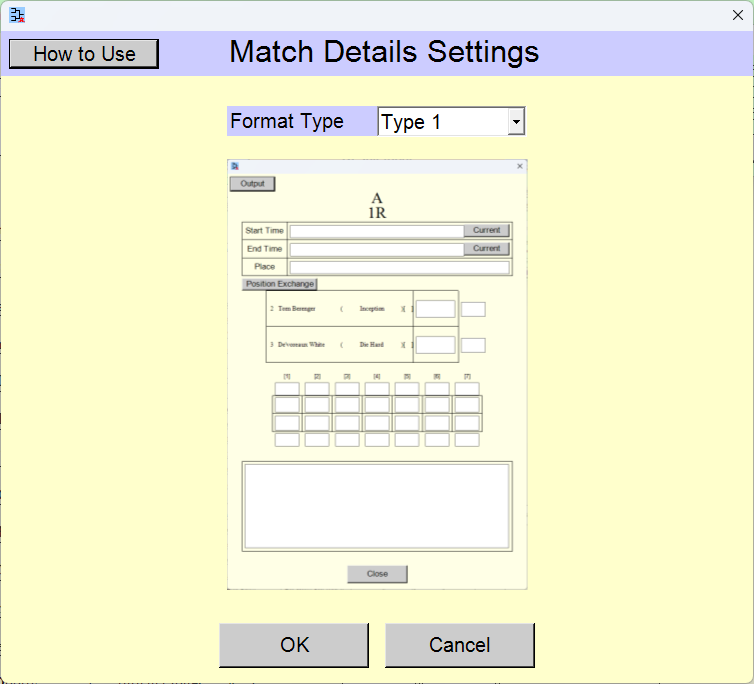
Change the settings and click the [OK] button.
Pressing the [Cancel] button reverts the settings to their state prior to the changes.
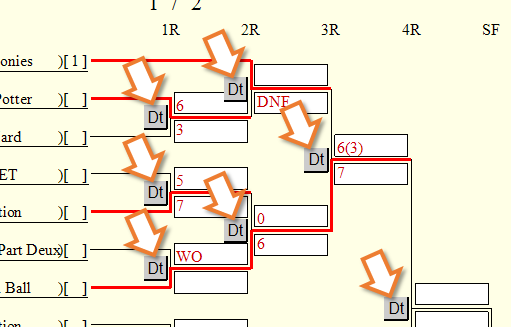
If the settings are configured to input match details, the [Dt] buttons will appear on the tournament bracket in the [Result Input] scene.
Selection of Format Type
[Format Type] selection field
You can select from several patterns for the match detail format.
[Not Use]
the [Dt] buttons are not displayed on the tournament bracket.
[Type 1]
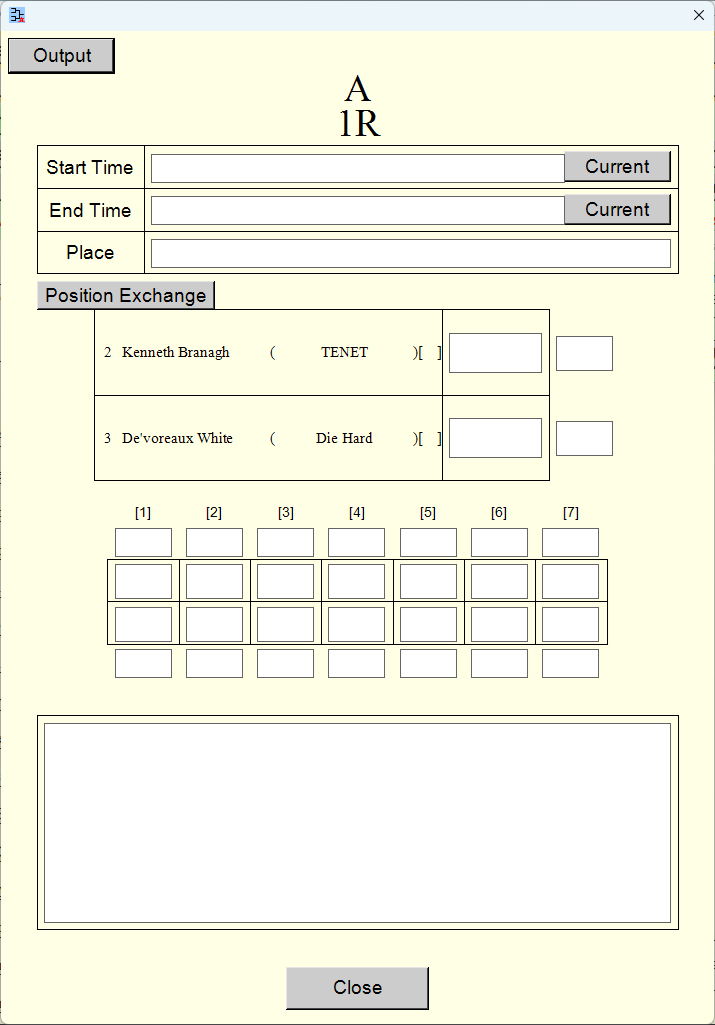
[Type 2]
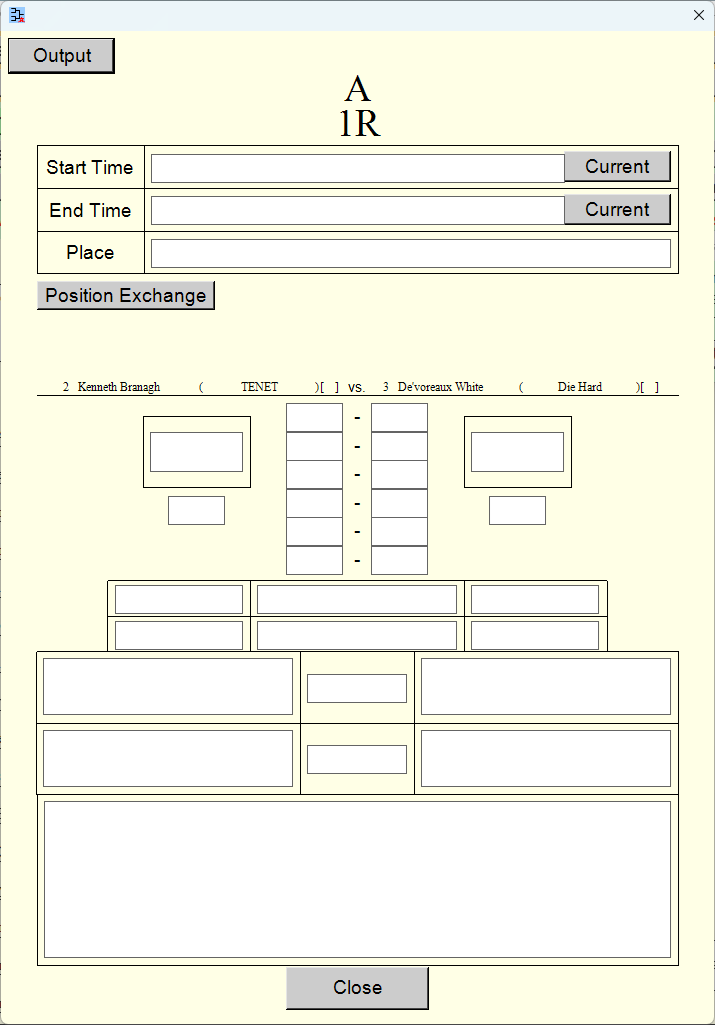
[Type 3]
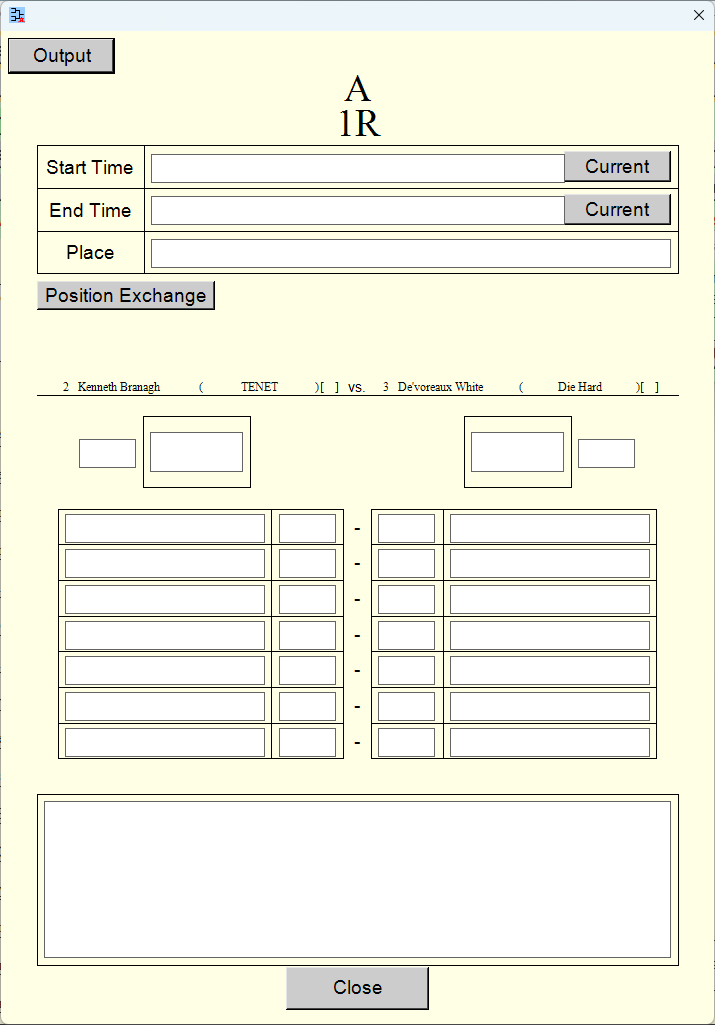
[Simple 1]
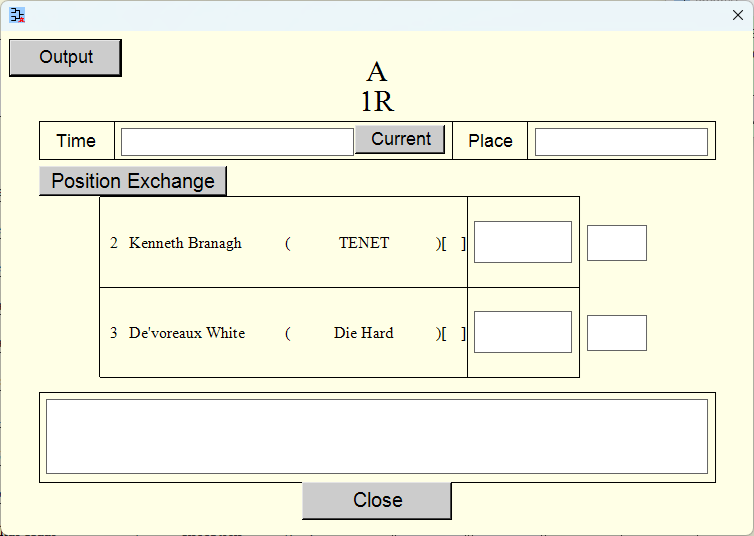
[Simple 2]
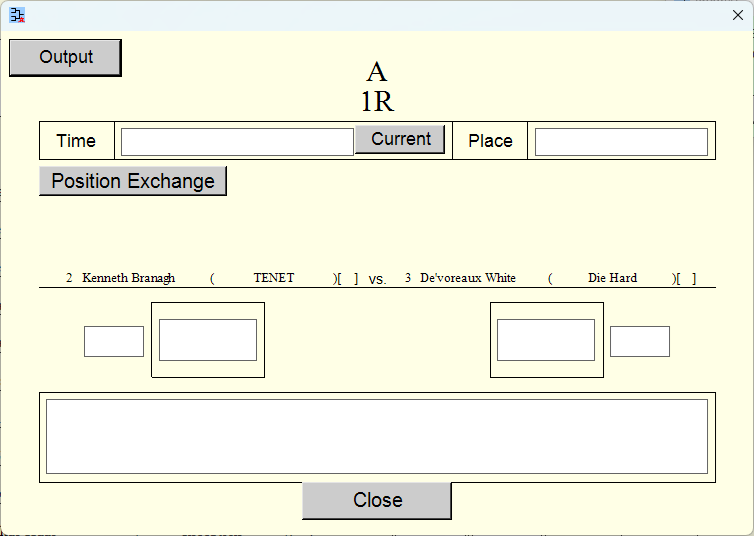
Top Settings Index