
|
User Guide | Index |
Tournament Bracket
Match Memo Settings
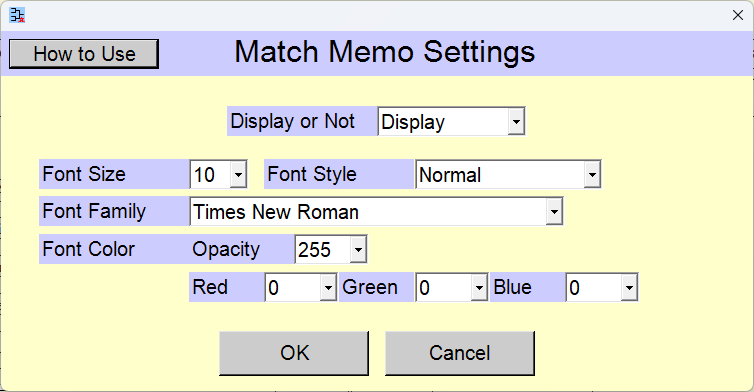
You can input a one-line memo for each match. You can change settings of match memos.
 >
>
Change the settings and click the [OK] button.
Pressing the [Cancel] button reverts the settings to their state prior to the changes.
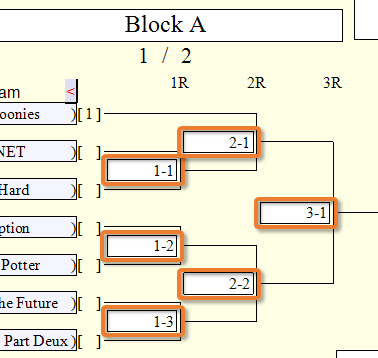
If the settings are configured to display match memos, the input fields will appear on the tournament bracket in the [Tournament Preparation] scene. If you select the option to automatically assign match numbers in the [Tournament Bracket Creation] scene, the match numbers are pre-filled.
Selection of Whether or Not to Display
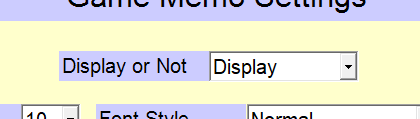
[Display or Not] selection field
Select whether or not to display match memos.
[Not Display]
The match memos are not displayed on the tournament bracket.
[Display]
Top Settings Index