
|
User Guide | Index |
Tournament Bracket
Bracket Shape
You can change settings of touranment bracket shape.
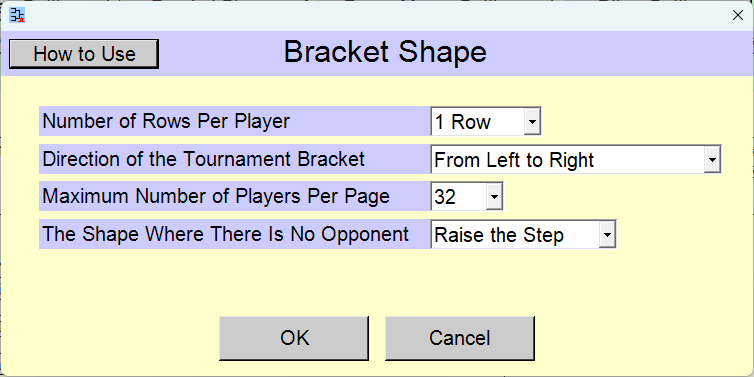
Change the settings and click the [OK] button.
Pressing the [Cancel] button reverts the settings to their state prior to the changes.
[Contents for This Page]
- Selection of the Number of Rows Per Player
- Selection of the Tournament Bracket Shape
- Selection of How to Assign Player Numbers
Selection of the Number of Rows Per Player

[Number of Rows Per Player] selection field
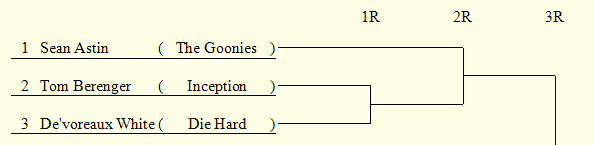
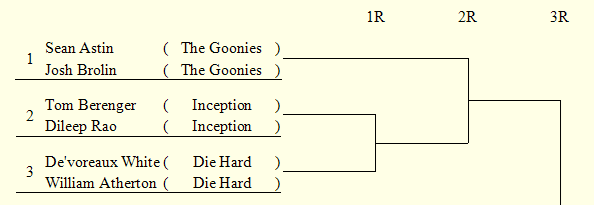
You can display each player across two lines. It is intended primarily for use in doubles events.
[1 Row]
[2 Rows]
Selection of the Tournament Bracket Shape
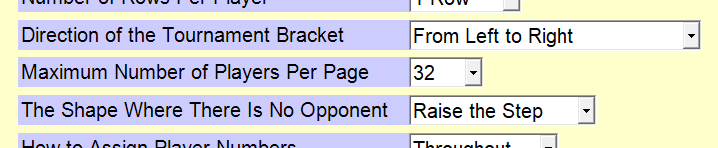
[Direction of the Tournament Bracket] selection field
Select direction of the tournament bracket.
[From Both the Left and Right]
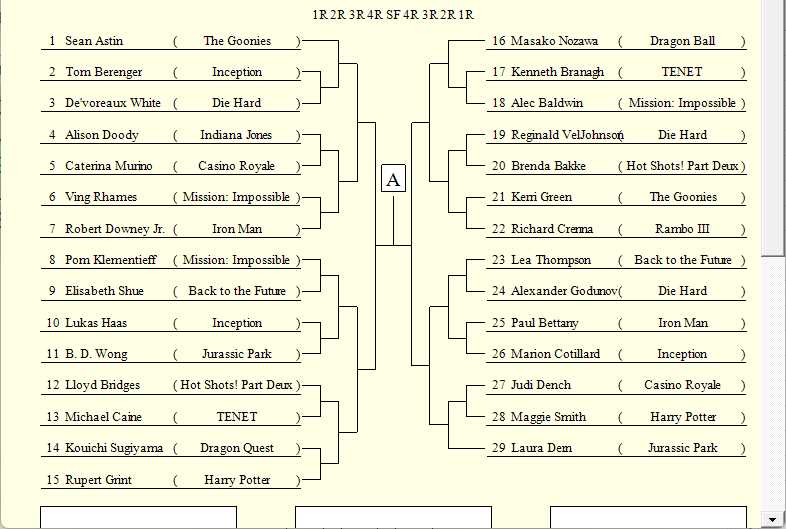
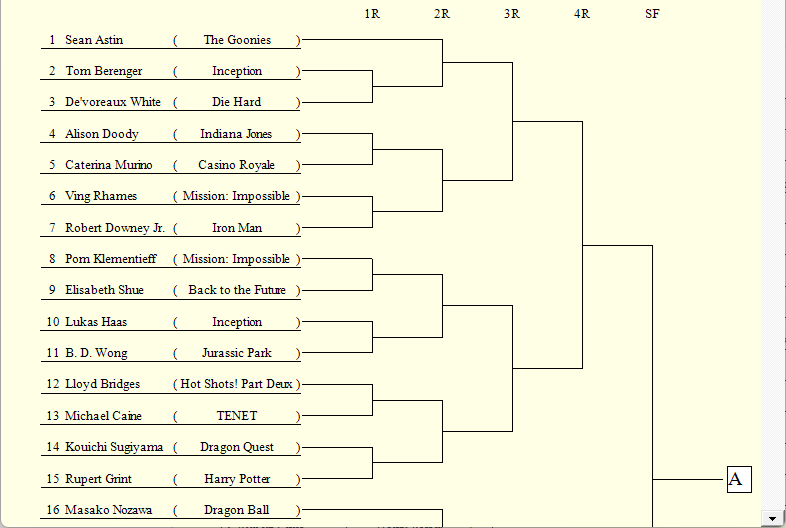
[From Left to Right]
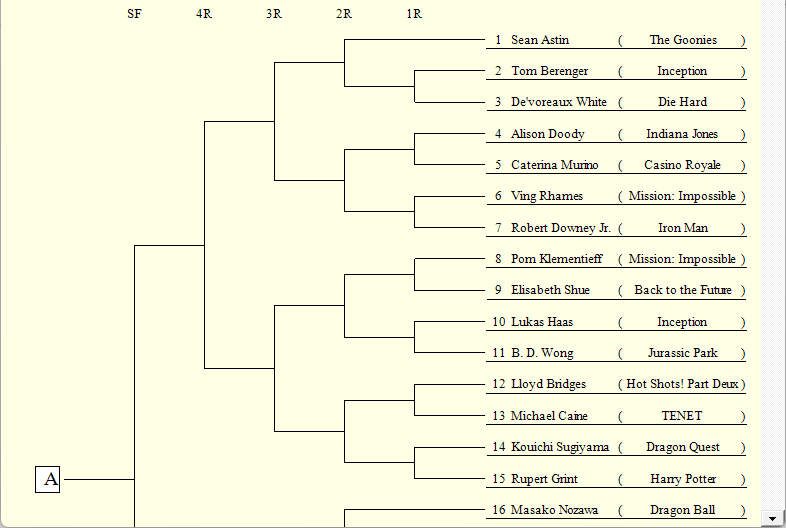
[From Right to Left]
[Maximum Number of Players Per Page] selection field
Select the maximum number of players to display per page. If the content does not fit on a single page, it will be automatically split across pages. If you select a number more than twice the number of players, more than half of the page will be blank space.
The range of available options differs depending on what is selected for [Number of Rows Per Player] and [Direction of the Tournament Bracket].
Selecting a larger number narrows the spacing between players in the output. You may need to reduce the font size to prevent the text from overlapping.
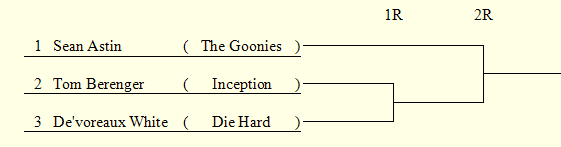
[The Shaple Where There Is No Opponent] selection field
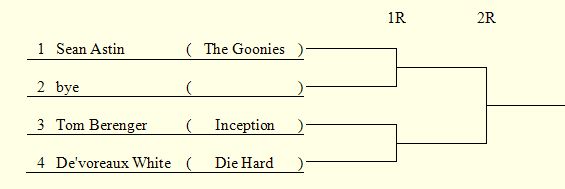
If the number of players is not a power of 2, some players will not participate in the first round. Select the shape for the part where there is no first round.
[Set "bye"]
[Raise the Step]
Selection of How to Assign Player Numbers

[How to Assign Player Numbers] selection field
Select how to assign player numbers when there are multiple blocks.
*If the number of blocks is 1, this option is not displayed on the window.
[Throughout]
Player numbers are assigned throughout.
[Each Block]
Player numbers are assigned for each block.
Top Settings Index