
|
User Guide | Index |
Tournament Bracket
Overview
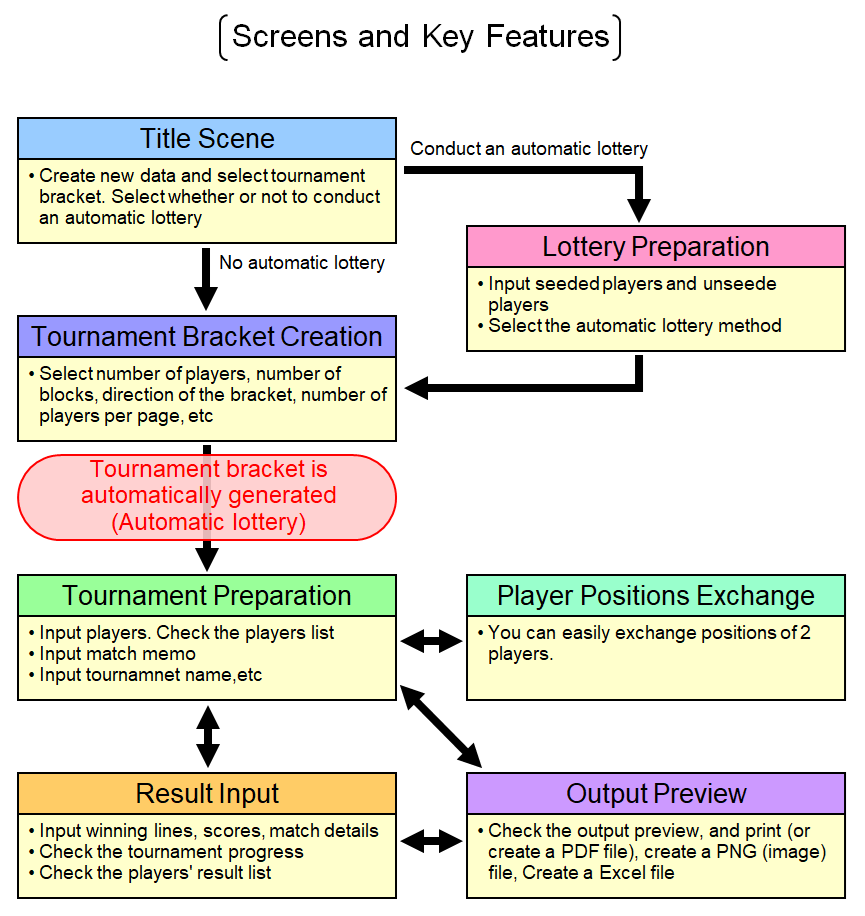
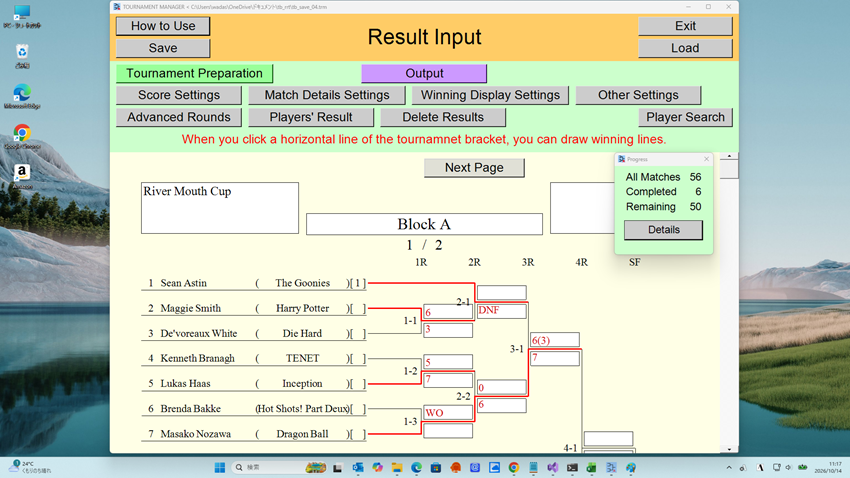
In this application, you will proceed with your work by navigating through several scenes.
Save Data
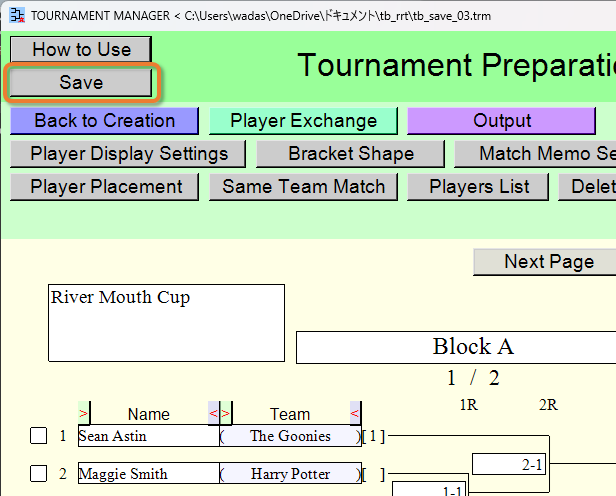
You can save data created with this application to a file.
Press the [Save] button when you want to save the data to a file.
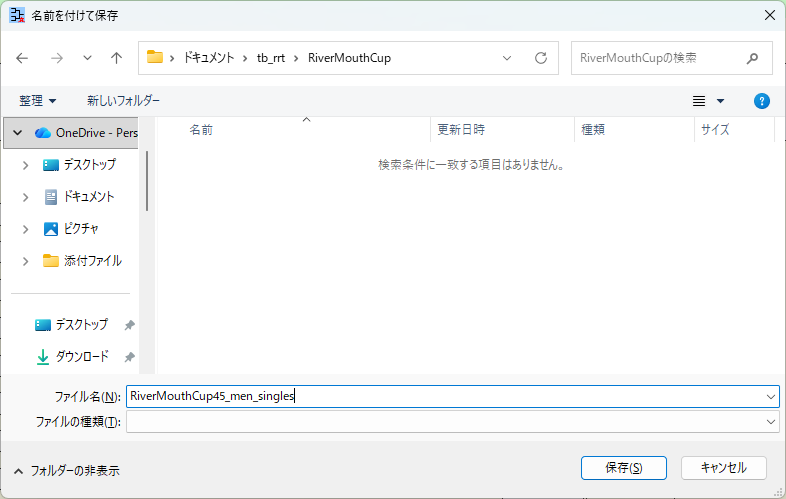
Specify the location and name of the data file to be made.
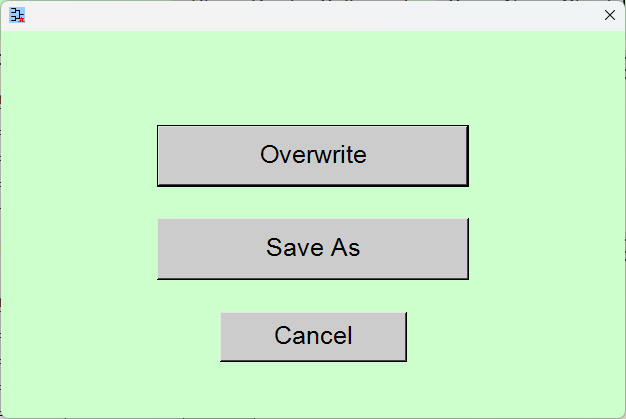
If you have already saved the data or loaded it from a file, you can also save it by overwriting the existing file.
Load Data
You can load data that was previously saved to a file.
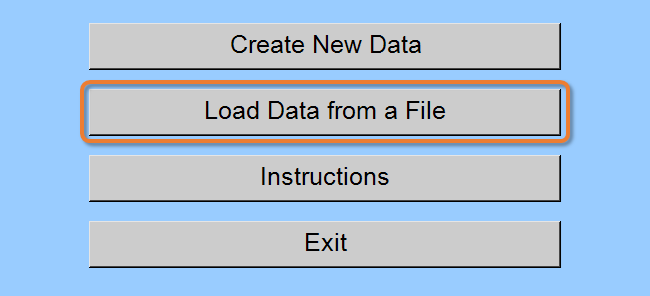
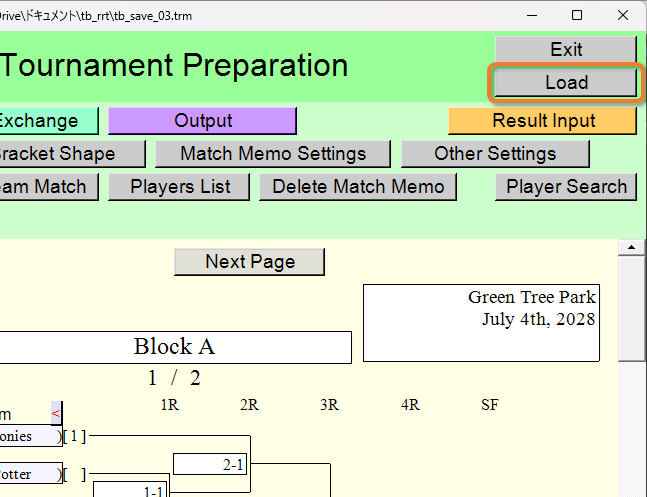
Press the [Load Data from a file] button or [Load] button when you want to load the data from a file.
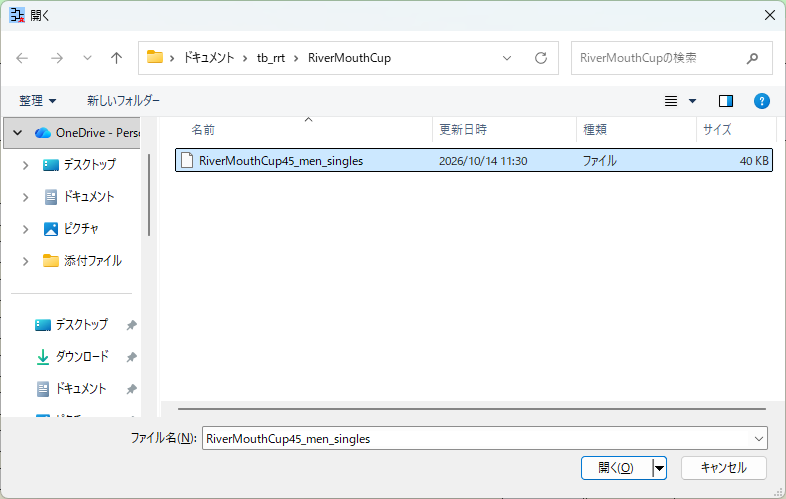
Select the data file to load.
The Size of the Displayed Content
In this application, increasing the window width also increases the size of the displayed content.
[When the window is at its initial size]
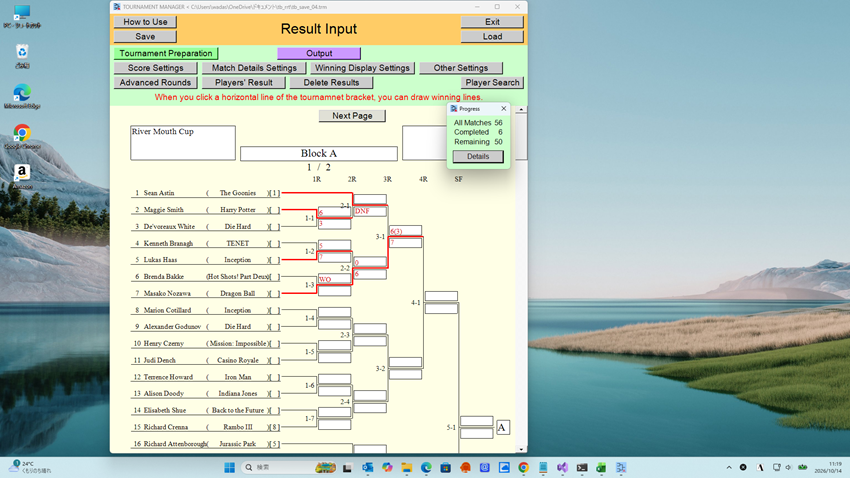
[When the window width is increased]
Multiple Windows
When you want to work with multiple data simultaneously, launch multiple instances of this application and switch between the windows.
Top Index